

Touchless check-in has become a must for offices, clinics, and public service centers that want safe, fast, and organized visitor entry. Instead of tapping screens or crowding reception desks, visitors can check in through QR codes, mobile links, or motion-activated kiosks. This cuts physical contact, reduces bottlenecks, and gives staff real-time visibility into arrivals. The best touchless check-in platforms also support appointments, automatic alerts, and simple visitor tracking.
In this blog, we’ll look at the top tools that make touchless check-in smooth, reliable, and easy to manage.
Top 5 Touchless Kiosk Check-In Platforms
Choosing the right touchless kiosk platform can make visitor entry faster, safer, and far more organized. The tools below offer a mix of contactless check-in, real-time updates, and simple tracking so teams can manage foot traffic without crowding the front desk.
1. Qminder
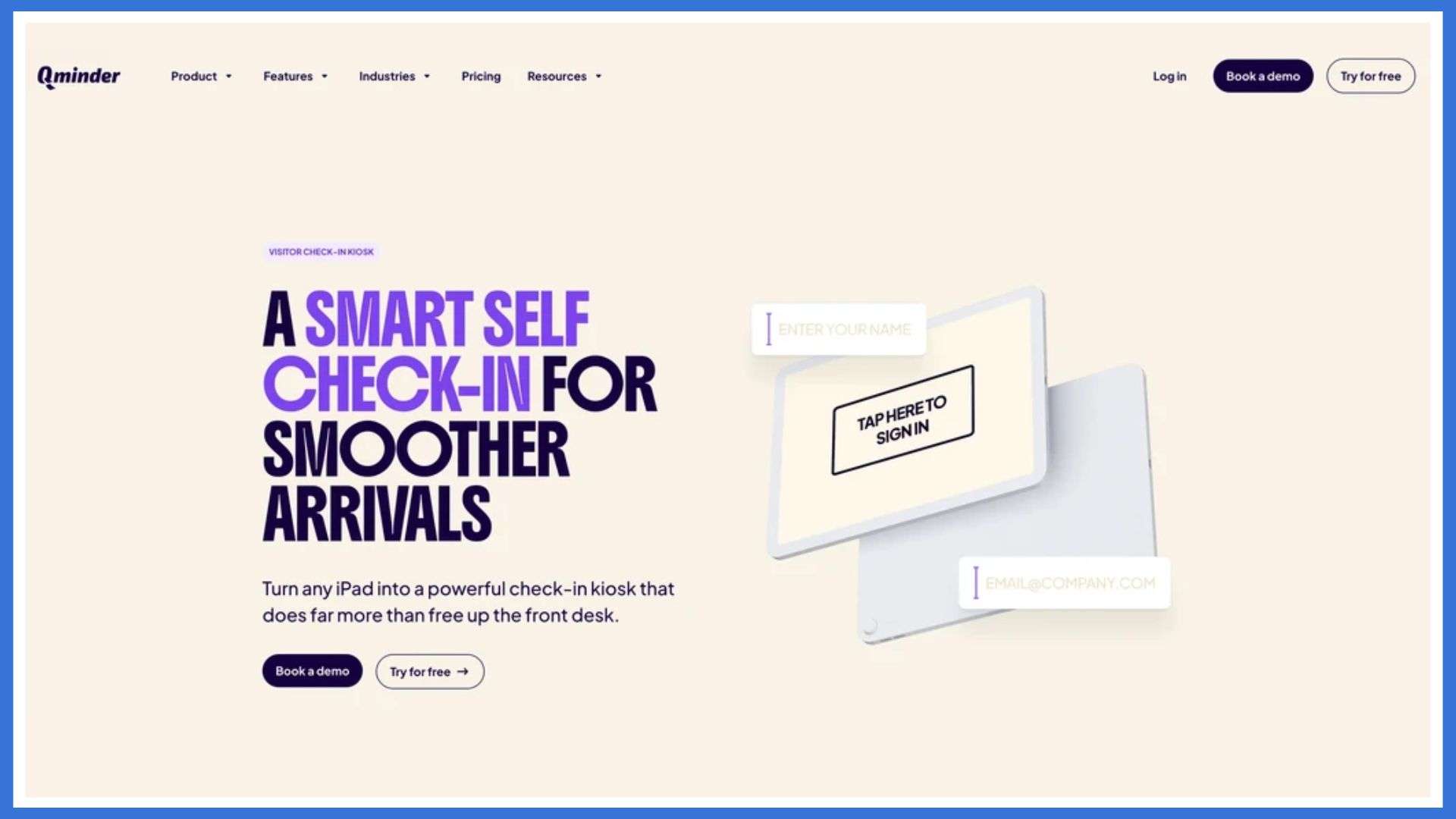
The Qminder is a touchless kiosk check-in system designed for clinics, offices, and public service centers that want to streamline entry without creating crowding or confusion. Qminder offers high-performance touchless kiosks that let visitors check in using a touchscreen, scan a QR code, or complete the process on their phone before arriving. After signing in, visitors receive real-time updates about their place in line, allowing them to wait comfortably without crowding the front desk.
Staff get a unified dashboard showing who has checked in, how long each person has been waiting, and how traffic is building across locations. It’s a dependable way to improve service flow, reduce bottlenecks, and create a smoother visitor experience from start to finish.
Key Features:
- Touchless check-in through kiosk, QR code, mobile link, or browser, giving visitors multiple safe and convenient options.
- Real-time SMS or app notifications that keep visitors updated on their queue status without needing to crowd the lobby.
- A centralized dashboard that lets teams manage multiple locations and service counters from one place.
- Detailed tracking of wait times, service duration, and visitor flow to help teams understand and improve their operations.
- Custom reporting tools that highlight delays, peak hours, and recurring issues so managers can adjust staffing and processes.
- Easy integration with existing systems, ensuring the kiosk works smoothly with tools already in use.
Pros:
- Very intuitive for both visitors and staff
- Strong analytics for better planning
- Scales well across multi-site organizations
Cons:
- May feel more advanced than what very small spaces require
Pricing: Free 14-day trial; paid plans start at $389/month.
2. Qtrac
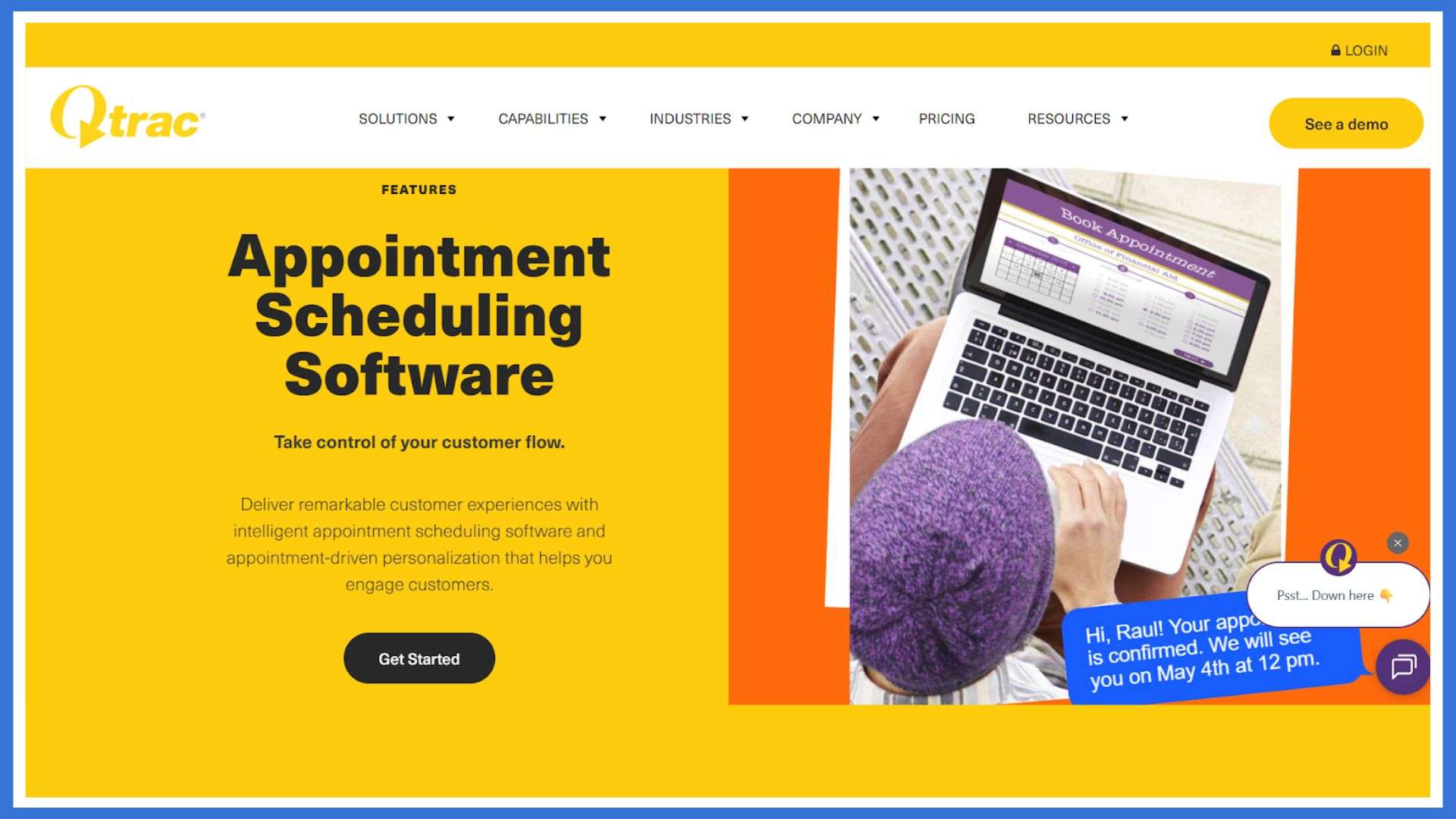
Qtrac is a cloud-based touchless check-in and queuing system built for large hospitals and multi-department healthcare facilities. It supports scheduled appointments, walk-ins, and virtual check-ins through kiosks, SMS, or QR codes. After checking in, patients can track their status from their phones, reducing overcrowded waiting rooms and improving safety.
Where Qtrac stands out is in complex hospital environments. With tools for routing patients between departments and screening visitors at entry, staff can control traffic flow and keep wait times predictable.
Key Features:
- Queue re-routing that helps move patients between departments without confusion.
- Automated alerts that notify staff when wait times pass set thresholds.
- Greeter mode to pre-screen patients and assign them to the right queue at entry.
- Offline mode that keeps basic queue operations running during network issues.
- Centralized dashboard for hospitals with multiple entrances or service points.
Pros:
- Handles complex, multi-point hospital layouts
- Staff can redirect patients quickly when needs change
Cons:
- Greeter mode requires proper staff training
- Offline mode has limited functionality
Pricing: Custom pricing available upon request.
3. Nemo-Q
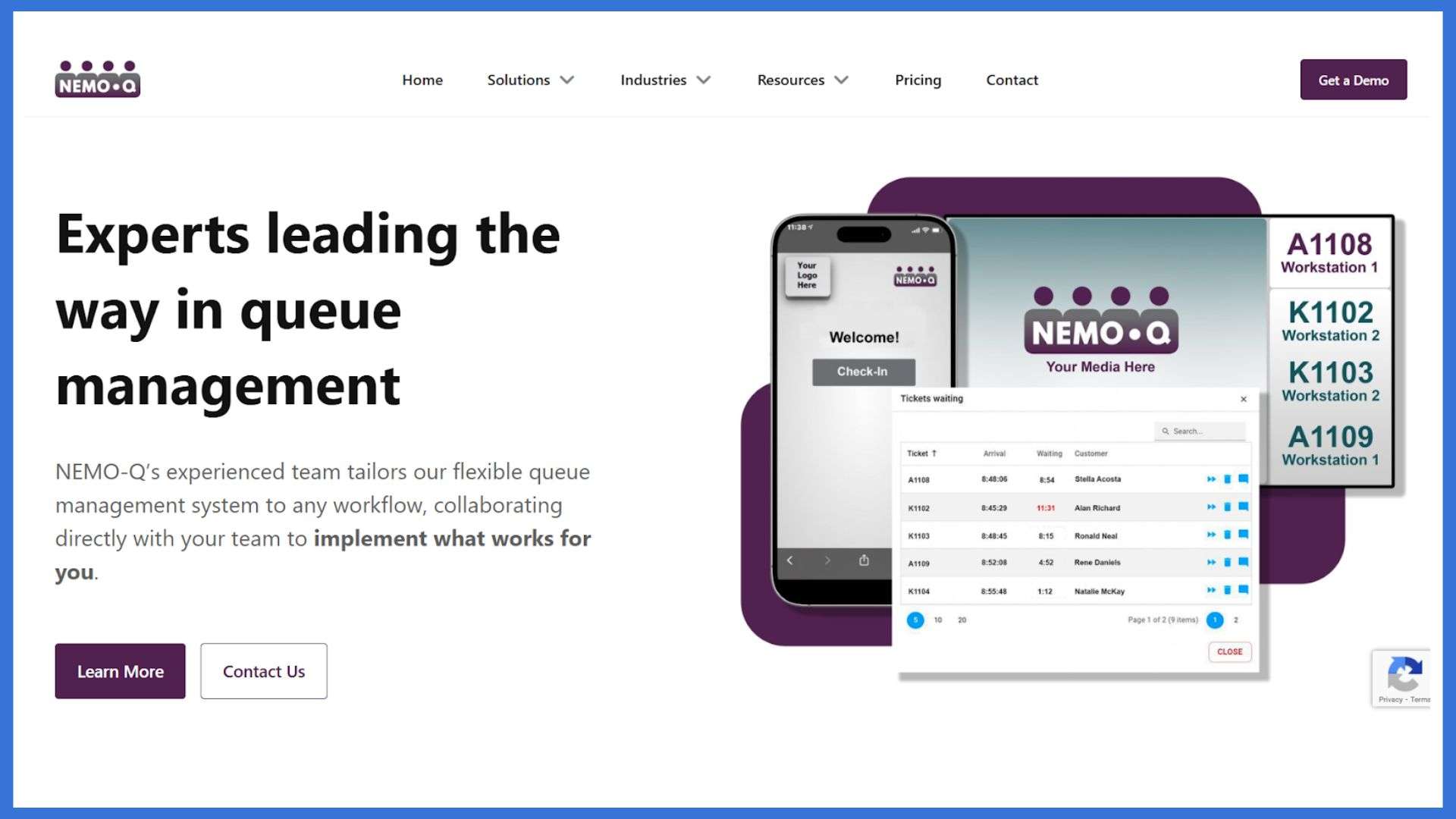
Nemo-Q is a touchless kiosk and visitor management system designed for high-traffic locations such as hospitals, government offices, and university campuses. It supports walk-ins and scheduled appointments through kiosks, QR codes, or mobile links, helping visitors avoid crowded waiting areas while staying updated in real time. After checking in, guests receive instant alerts about their queue position, wait time, and where they need to go next.
For staff, Nemo-Q provides a clear view of all active queues and service counters, making it easier to distribute workloads and prevent congestion across departments. It’s a dependable option for organizations with multiple entrances or complex visitor flows.
Key Features:
- QR code, kiosk, or mobile-based check-ins to suit different visitor needs.
- Digital signage that displays ticket numbers, wait times, and directions.
- Real-time SMS updates so visitors always know what’s happening next.
- Appointment scheduling that syncs directly with live queues.
- Built-in feedback tools to measure and improve service quality.
Pros:
- Supports both on-site and virtual check-ins
- Works well for multi-counter or multi-department environments
Cons:
- Staff may need guidance to manage mixed walk-ins and appointments
- Custom digital signage requires initial configuration time
Pricing: Starts at $290 per month.
4. Qmatic
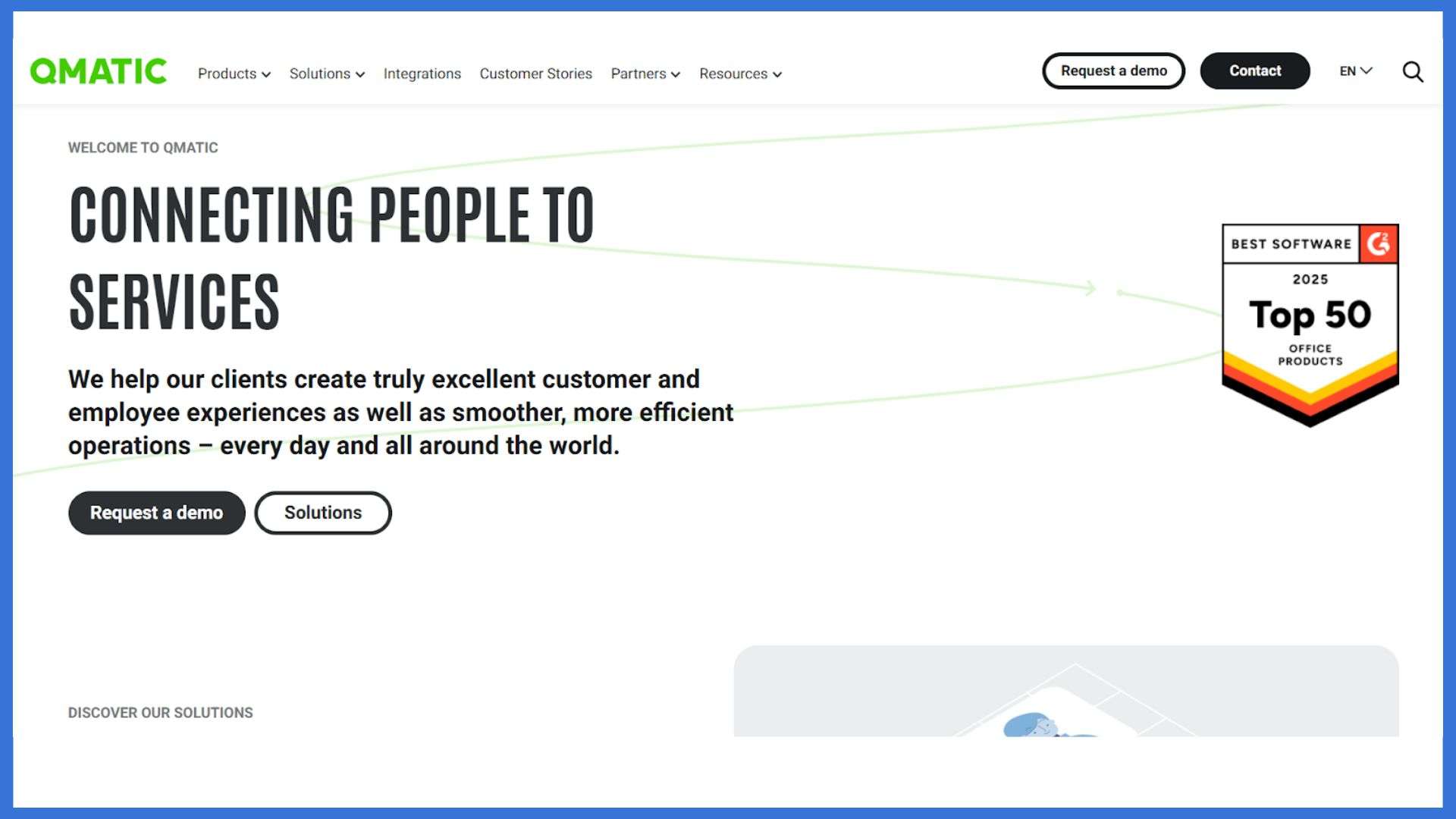
Qmatic is a powerful cloud-based check-in and touchless kiosk system built for high-traffic government environments such as DMVs, licensing offices, and permit centers. Visitors check in through kiosks, QR codes, or web links, and receive live updates about their place in line through mobile notifications or digital screens. This keeps queues organized and reduces congestion during peak times.
Its virtual queuing and priority routing help staff manage urgent cases, seniors, and accessibility needs more smoothly. With centralized dashboards and analytics, Qmatic gives teams a clear picture of wait times, service performance, and workload distribution across multiple locations.
Key Features:
- Web or kiosk check-in with instant virtual ticket creation.
- Real-time queue tracking on phones or digital displays.
- Priority routing to serve urgent or vulnerable visitors faster.
- Centralized performance dashboards and analytics.
- Integrates with DMV, municipal, and government systems.
Pros:
- Covers the full visitor journey from arrival to service completion
- Strong analytics for improving wait times and resource planning
Cons:
- Setup requires technical support
- Admin interface may feel complex for non-technical teams
Pricing: Custom pricing available on request.
5. Qwaiting
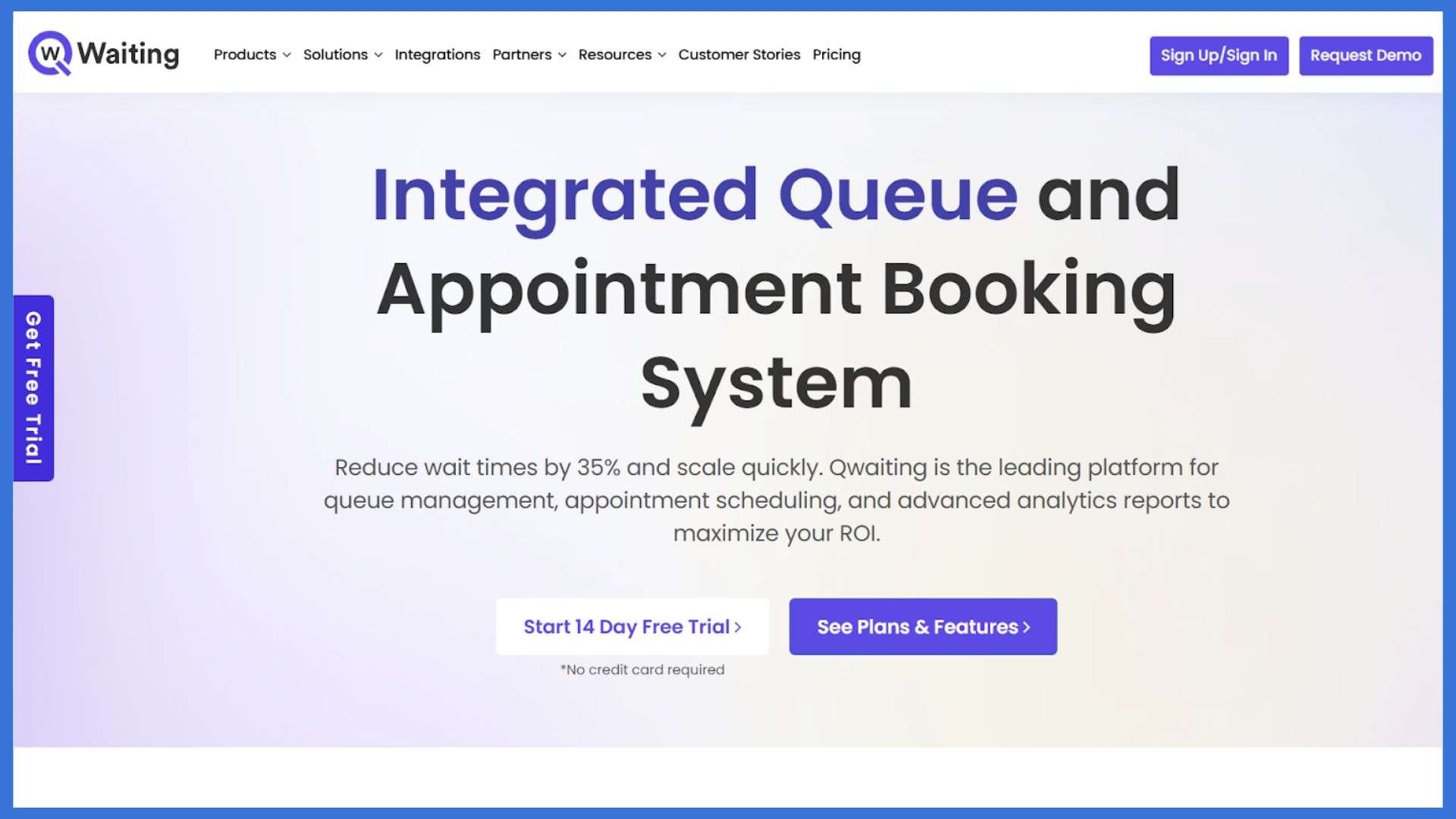
Qwaiting is a flexible touchless kiosk and virtual queue system designed for DMVs and high-traffic public offices. Visitors can check in through kiosks, mobile links, or the web, then track their status through SMS, WhatsApp, or email. This keeps waiting areas clear, reduces confusion, and helps staff manage walk-ins and appointments without crowding.
Its multi-branch support and multi-language options make it a solid fit for public organizations serving diverse communities across different locations.
Key Features:
- Appointment scheduling and virtual queue management.
- Staff dashboard with call-forwarding and visitor handling tools.
- Real-time queue status displayed on custom digital screens.
- Multi-language support with branding options.
- Cloud-based control for managing multiple branches.
Pros:
- Easy-to-use interface for both visitors and employees
- Live queue reports that help improve service flow
Cons:
- Lower-tier plans limit customization
- Mobile check-in can lag during peak hours
Pricing: Available on request.
Conclusion
Choosing the right touchless kiosk check-in platforms can make a noticeable difference in how smoothly your entry process works. Each option in this list brings something different.
Qminder offers a reliable all-in-one system with strong queue visibility. Qtrac and Nemo-Q work well for complex healthcare and multi-department environments. Qmatic is ideal for government offices that need structured routing. Qwaiting helps public agencies streamline busy lobbies with simple mobile and kiosk check-ins.
Review your foot traffic, service flow, and staffing needs, then choose the system that supports safer, faster, and more organized visitor handling every day.
FAQs
1. What is a “touchless kiosk check-in platform”?
A touchless kiosk check-in platform is a system that lets people check in without physically touching a screen or device. It uses tools like QR codes, mobile links, facial recognition, or proximity sensors to complete the process safely and quickly.
2. How does touchless check-in platforms process typically work?
A visitor scans a QR code or receives a mobile link, enters basic details, verifies identity if needed, and completes the check-in. The system logs their entry, notifies staff, and may print a badge or update a dashboard.
3. What are the main benefits of using a touchless kiosk check-in platforms versus traditional manual sign-in?
It reduces physical contact, speeds up entry, prevents bottlenecks, improves accuracy, enhances visitor tracking, and offers a better overall experience. It also reduces staff workload and keeps the process consistent during busy periods.
4. Are there any downsides or challenges in using touchless kiosk check-in platforms?
Some visitors may not be familiar with QR codes or digital check-ins. A stable internet connection is required. Hardware setup and software updates can add costs. Staff may also need a short training period to manage the system smoothly.